
BestBlurays Companion
A browser extension and userscript that enhances Blu-ray.com and letterboxd for blu-ray enthusiasts like you. Completely free, no account required, no tracking.
What it does
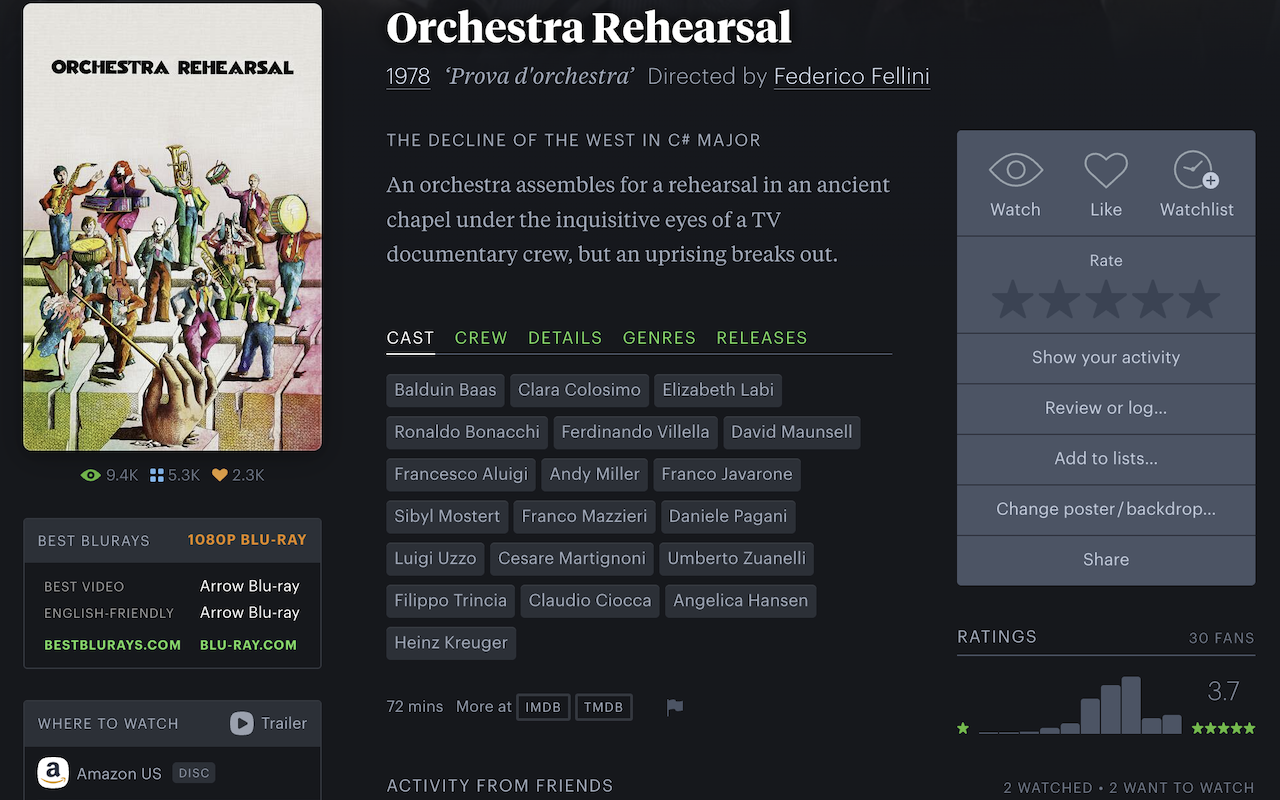
On Letterboxd
- Adds BestBlurays release recommendations and a direct link to Blu-ray.com
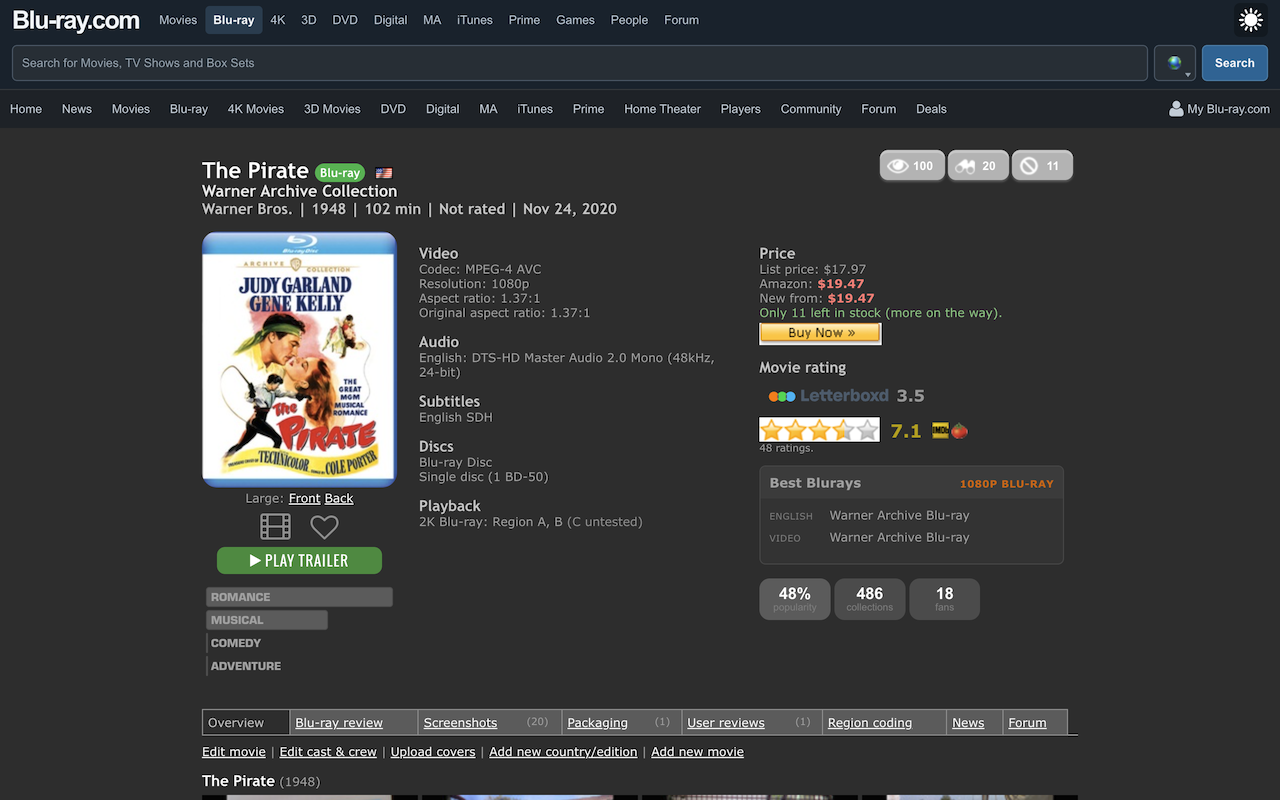
On Blu-ray.com
- Makes Blu-ray.com pages and forum threads responsive, mobile-friendly, and dark mode-consistent, with no jarring bright headers.
- Adds BestBlurays release recommendations and Letterboxd ratings to film pages.
- Shows all worldwide releases for a film, with format badges, country flags, and year clearly labeled.
- Adds configurable cleanup that declutters the UI, plus improved movie listings, release layouts, and forum enhancements.
- Click the extension icon to selectively enable or disable individual changes.
Safari
Apple does not publish a native version of this extension on the Mac App Store. The easiest install path is the userscript route:
- Install the Userscripts app (free, by Justin Wasack) from the Mac App Store.
- Open it, grant it permission to run on Letterboxd and Blu-ray.com, and pick a folder to store scripts.
- Click bestblurays-companion.user.js — Userscripts will offer to install it.
- Visit any supported Letterboxd or Blu-ray.com page.
Userscript (any browser)
Works in Chrome, Firefox, Edge, and Safari. Useful for sharing a single link (e.g. on Discord) without going through a store.
- Install a userscript manager: ViolentMonkey (open source, all browsers) or TamperMonkey.
- Click bestblurays-companion.user.js. The userscript manager intercepts the
.user.jsextension and shows an install prompt. - Confirm install, then visit any supported Letterboxd or Blu-ray.com page.